 CASify
Exit TI-Nspire Press-to-Test mode
How to end Press-to-Test mode after the test.
From pressing buttons to understanding
The app for students who want to truly master their calculator. Step by step.
Three things stand between you and the problem in front of you.
Three hundred pages, not a single example from class.
CASify shows you the menu path, the input and an example that looks like your problem.
You know what you need to calculate, but not where the function is hiding.
CASify shows you the way there, exactly the one that works on your calculator.
Digging through menus isn't maths.
Every function is shown the way you actually use it, along with the mistakes that happen most often.
ChatGPT & co. are happy to explain the maths behind a problem. Your calculator itself is another story. Which key, which menu, which tap: that's their blind spot, and a chatbot sounds just as confident when it's wrong.
CASify knows exactly one device, the TI-Nspire CAS, and every menu path in it was checked step by step on a real calculator. You don't have to put your problem into words first. You find the right chapter in seconds, and it shows you the exact path. Ask again tomorrow and you get the same answer.
All of it works offline. No account, no signal, even on the bus right before the exam.
Whether you want to try it out first or unlock everything right away, CASify adapts to what you need.
CASify Lite

Free
The ideal starting point for lower secondary school. Learn the basics of your CAS calculator, completely free.
CASify Pro

€4.99 / one-time
The full feature set for all of upper secondary school. Pay once, use it forever.
Short answers to the questions that keep coming up when you use it.
How to end Press-to-Test mode after the test.
How to put your calculator into Press-to-Test mode before the test.
What a computer algebra system is and why you need it in upper secondary school.
Both draw graphs, but only one can rearrange expressions.
How to set up a function once and keep calculating with it.
How to write solve so the calculator solves for the right variable.
Available via Schoolmanager, no effort required from teachers or IT. Initial survey results show where the need lies.
Learn more for schools →CASify Lite and Pro are now available on the App Store. Choose how you want to start.
Discover CASify →Start for free with CASify Lite
Everything you want to know about CASify.
CASify is built specifically for the TI-Nspire CX CAS. Much of the content also works with the TI-Nspire CX II CAS.
Yes — CASify works completely offline. Once downloaded, no internet connection is needed. Perfect for exam preparation.
Yes — CASify Lite and CASify Pro are available for download on the App Store right now.
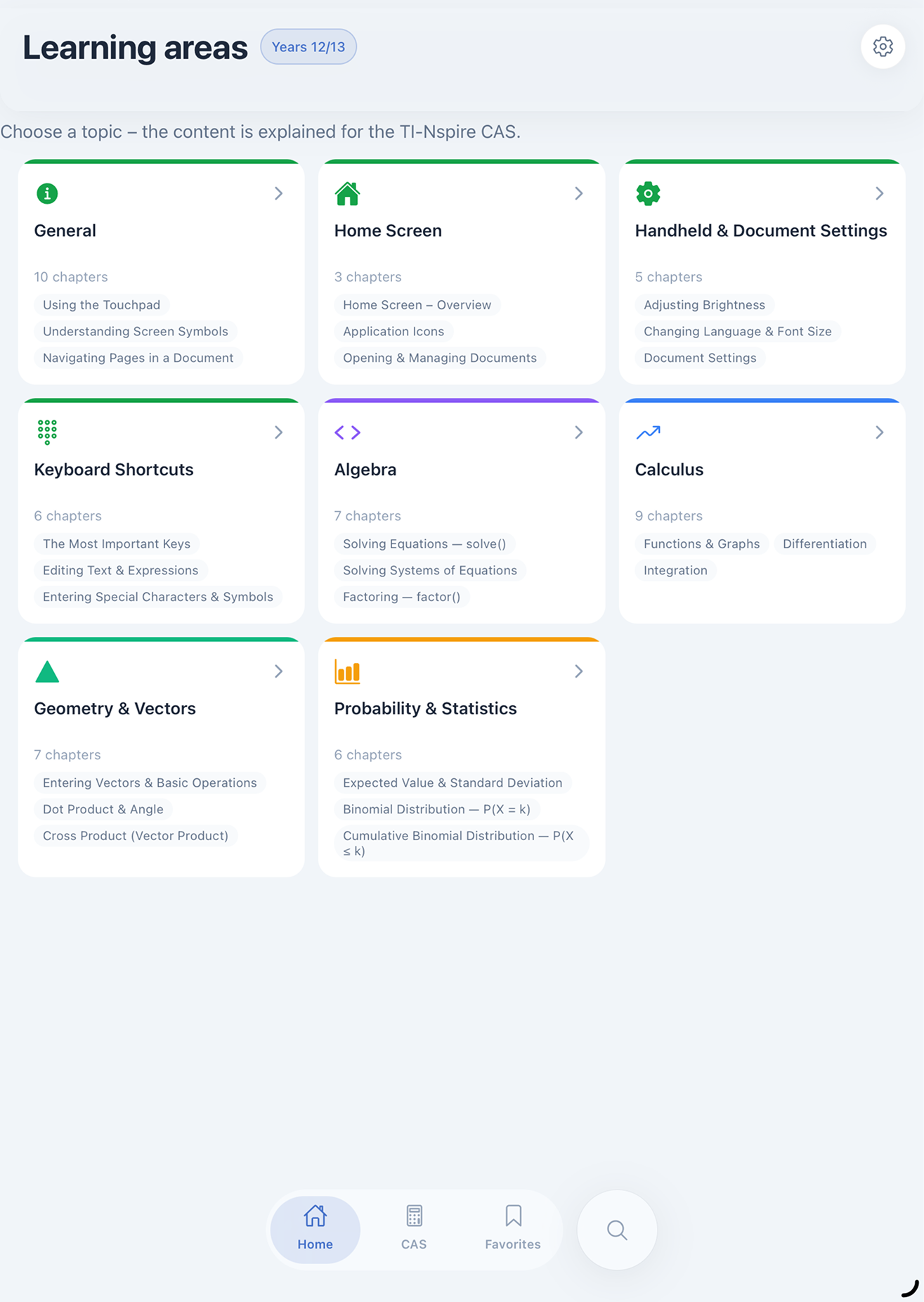
CASify covers all the key TI-Nspire CAS functions relevant in upper secondary school — from basic navigation through calculus (differentiation, integration, limits) to algebra, systems of equations, and geometry. Every function is explained step by step with the exact menu path.
CASify is available for iPhone in the App Store. An Android version is planned.
No. CASify works without any sign-up, login, or user account. Just download and get started.
CASify Lite is free and covers basic operation plus first algebra fundamentals, ideal for lower secondary school. CASify Pro additionally unlocks calculus, statistics, geometry, and every grade level up to the Abitur.
One-time. You pay 4.99 € exactly once and then have permanent access to all Pro content, with no recurring costs or subscription.
CASify covers year 7 through to the Abitur. Topics are structured so you can look up exactly what's relevant to your current class.
Via Schoolmanager, which many schools already use, with no extra effort required from teachers or IT. More details are on the schools page.
No. CASify doesn't collect any user data, there's no tracking and no ads. The app works entirely offline and without an account.